Albion Online

BYSTER

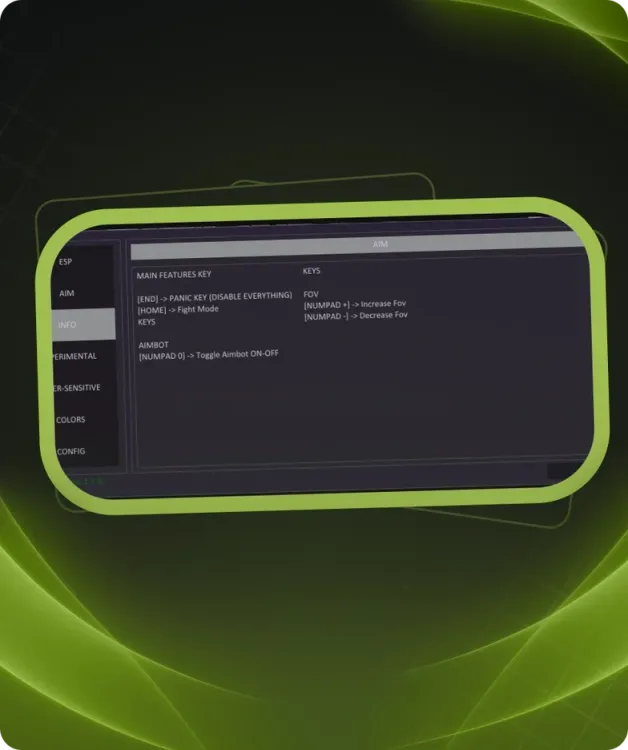
Aimbot · FOV · Config

Overview

BYSTER · Albion Online. Features, system requirements and available plans.
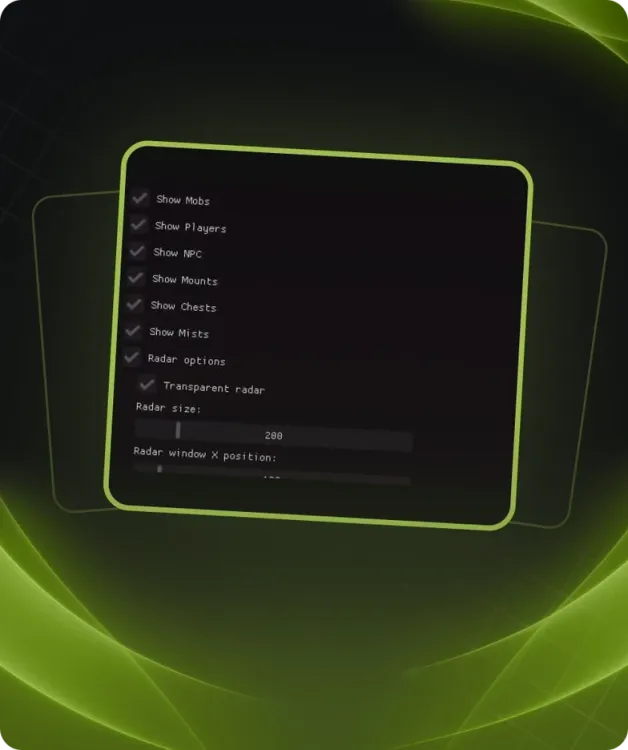
Features

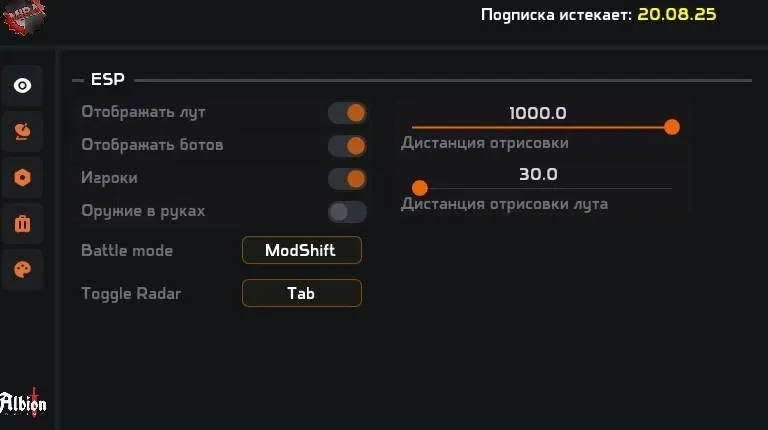
ESP Settings

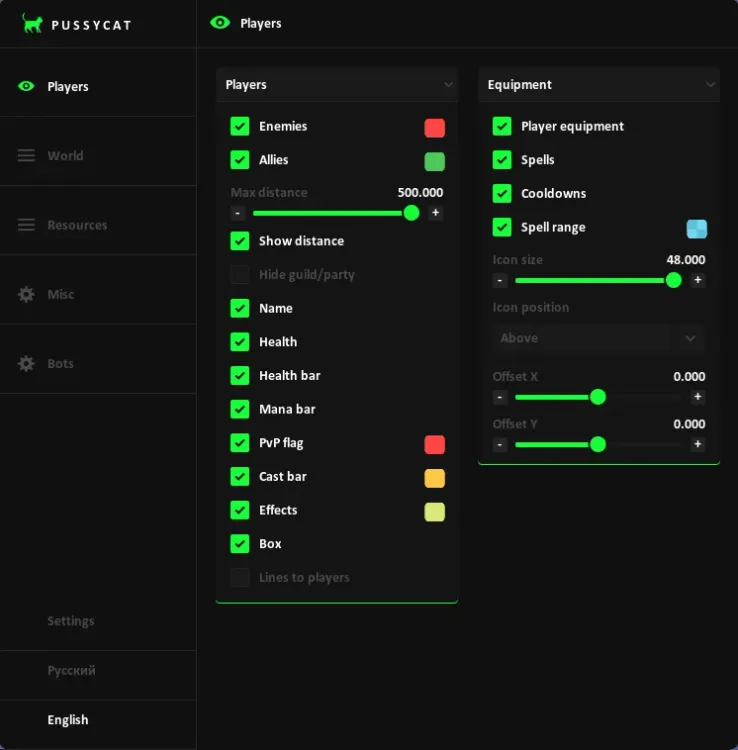
  • Display players
  • Display mobs
  • Display wisps
  • Display crystal mobs
  • Display dungeons
  • Show radar

Parameters

  • ESP radius (adjustable slider)
  • Radar size (adjustable slider)
  • BattleMode toggle (on/off, key — Tab)

Loot Settings

  • Enable loot display
  • Display:
  • Wood
  • Ore
  • Stone
  • Hide
  • Cotton
  • Loot quality selection
  • Resource type filtering

Color Settings

  • Loot color
  • Ore color
  • Wood color
  • Cotton color
  • Stone color
  • Player color
  • Mob color
  • Crystal mob color
  • Wisp color
  • Hide color

Avalon Portals

  • Display of the current location mini-map
  • Information about location and zone name
  • List of available zones (with Tier indication)
  • Examples:
  • Firos-Osinsum (T6)
  • Hebos-Ulamsum (T6)
  • Coues-Exakrom (T4)
  • Oebos-Ixakaum (T4)
  • Fieos-Aiuttum (T6)
  • Cetos-Obaelos (T6)
  • Tetos-Igaelum (T6)
  • Xurites-Ataglos (T6)
  • Quaent-Al-Vynsum (T6)
  • Zone search
  • Display of active portals on the map

Additional features

  • ESP for chests, dropped loot, fishing zones, hunting tracks and events.
  • Resource filters for tier, enchantment, charges and depleted nodes.
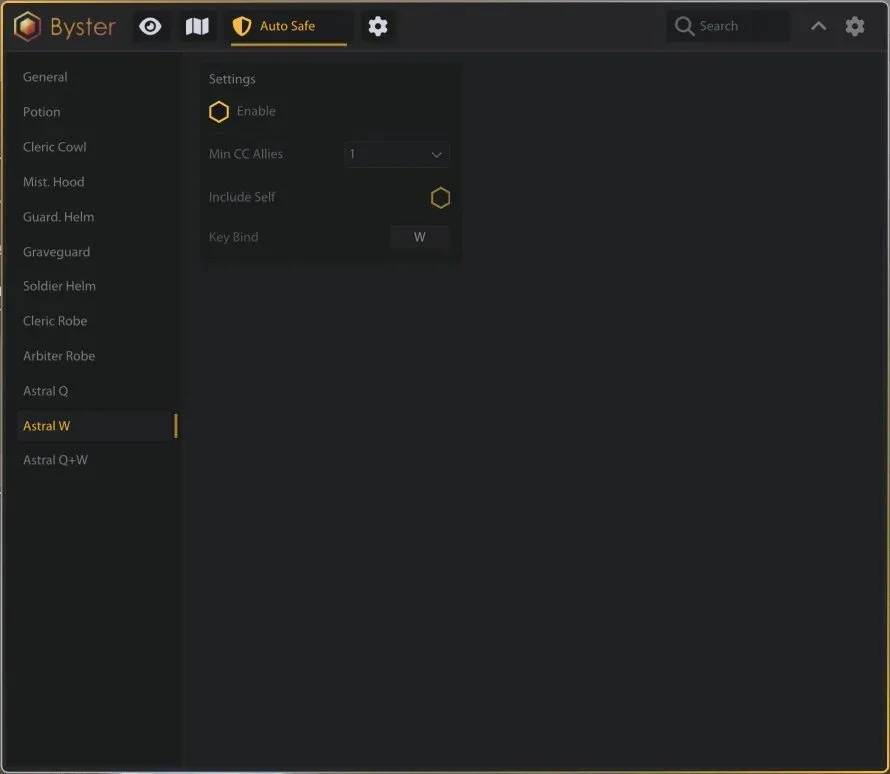
  • Automatic defense with configurable potion, helmet, armor and weapon actions.
  • Automatic looting.
  • Camera zoom, fog removal and player notifications.

Requirements

Supported game version:
Game Launcher, Steam
Included spoofer:
No
Anticheat:
Ingame
Stream Bypass:
No
Supported game modes:
Windowed
Supported CPU:
Intel & AMD
Supported OC:
Windows 10, Windows 11