Rust

MASON

Esp · Spiderman · Aimbot

Overview

MASON · Rust. Features, system requirements and available plans.

Features

AIMBOT / USE AT YOUR OWN RISK

  • Tab enabled
  • Aim prediction
  • Auto switch
  • Aim key
  • Aim spot
  • Aim radius
  • Aim smooth (LOW SMOOTH IS A BAN RISK)

VISUALISATION

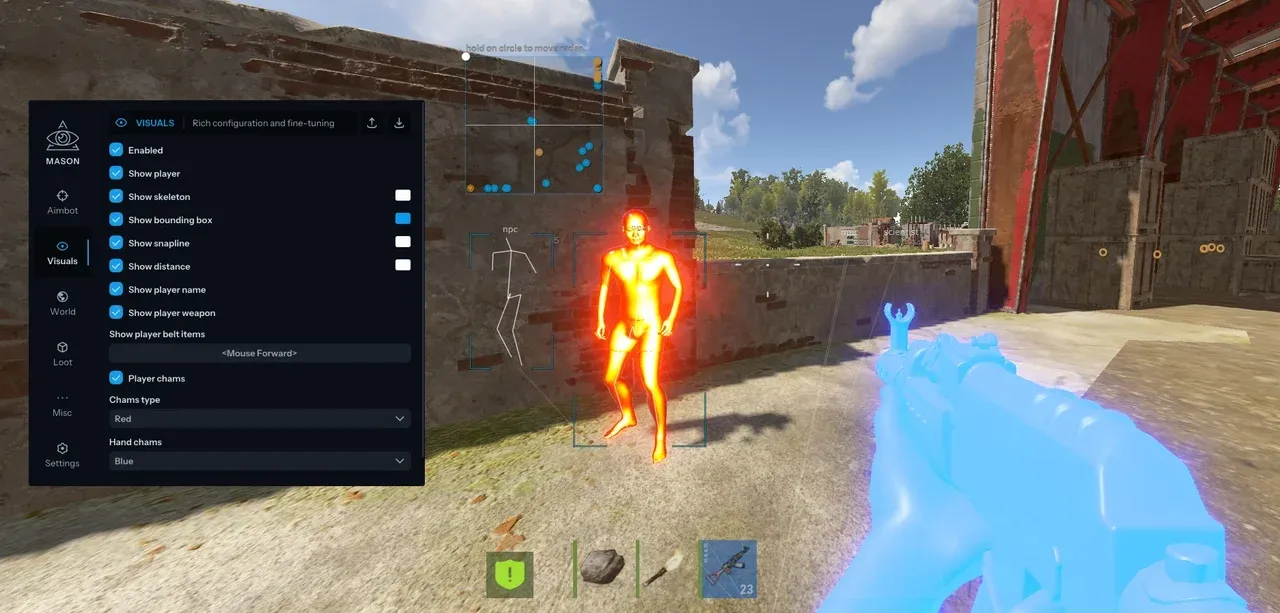
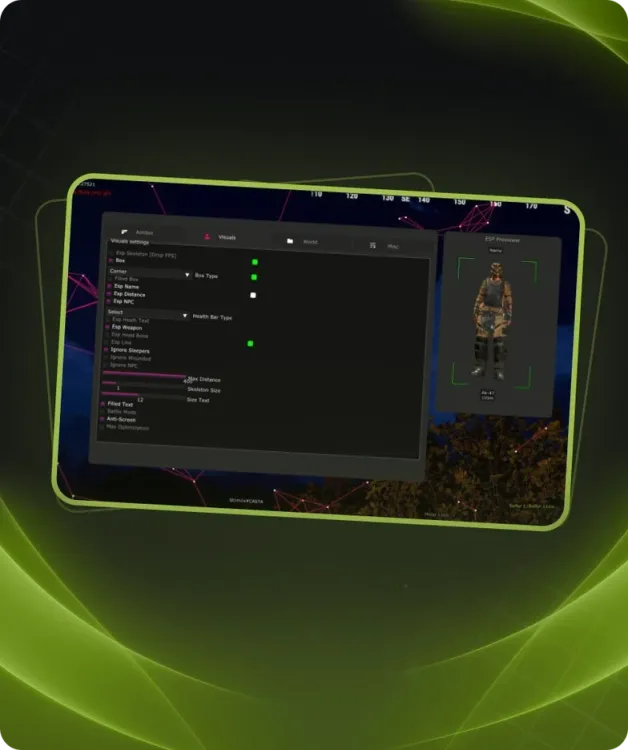
  • Tab enable
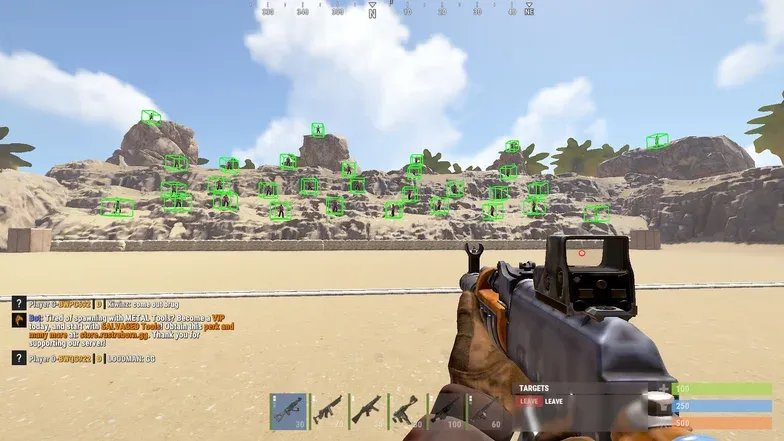
  • Show bounding box
  • Show snapline
  • Show distance
  • Show player name
  • Show player weapon
  • Show player belt items
  • Show nearby collectible
  • Show nearby dropped items
  • Show NPC
  • Show Scientist
  • Show animals
  • Show vehicle
  • Show recycler
  • Show copters
  • Show crates
  • Show cupboards
  • Show food
  • Show supply drop
  • Show traps
  • Show turrets
  • Show sulfur ore
  • Show metal ore
  • Show stone ore
  • Show wood pile
  • Ignore sleepers
  • Players distance limit
  • Object distance limit

MISCELLANEOUS

  • Tab enable
  • Full bright

CONFIGURATION

  • Save cpu
  • Menu key
  • Panic key
  • Battle mode key
  • Load config from clipboard
  • Save config to clipboard

GRAPHICAL USER INTERFACE

  • Show aim radius
  • Show crosshair
  • Show radar
  • Radar size
  • Radar radius

Requirements

Additional requirements:
Enable VT-x / VT-d (Virtualization) / Enable Hyper-V / Disable Secure Boot
Supported Disk format:
Support only GPT DISK (MBR doesnt work)
Included spoofer:
Yes
Anticheat:
EAC
Stream Bypass:
Yes
Supported game modes:
Windowed, Borderless
Supported CPU:
Intel & AMD
Supported OC:
Windows 10 (2004, 20H2, 21H1, 21H2, 22H2), Windows 11(we not guarantee stable work on this windows)