WarFace

MASON

WH · Aimbot

Overview

MASON · WarFace. Features, system requirements and available plans.
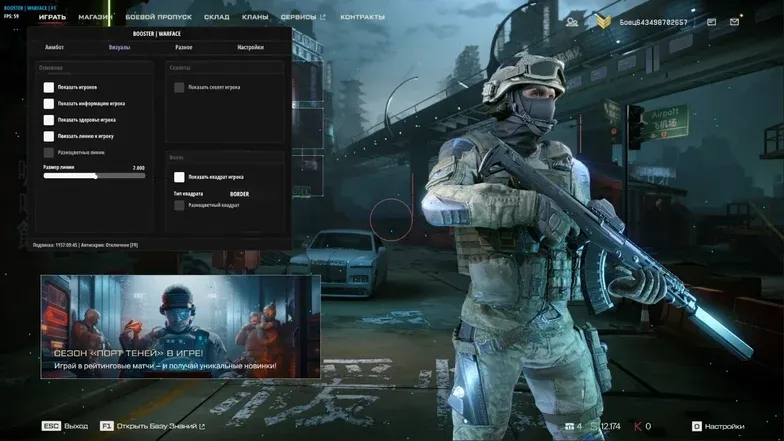
Features

AIMBOT

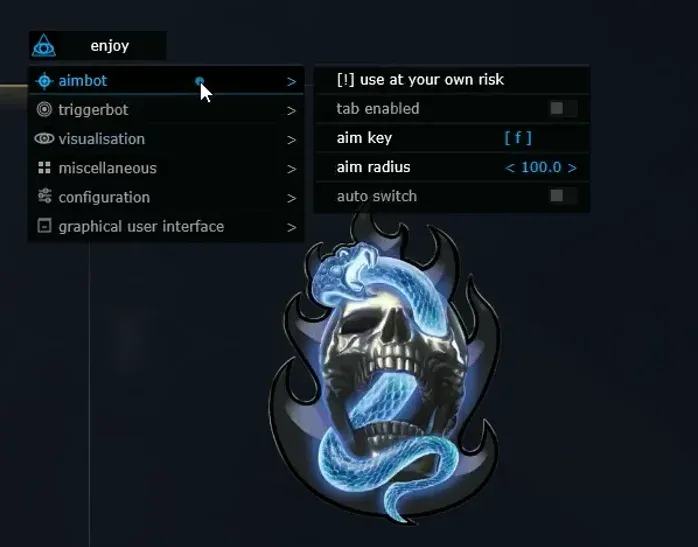
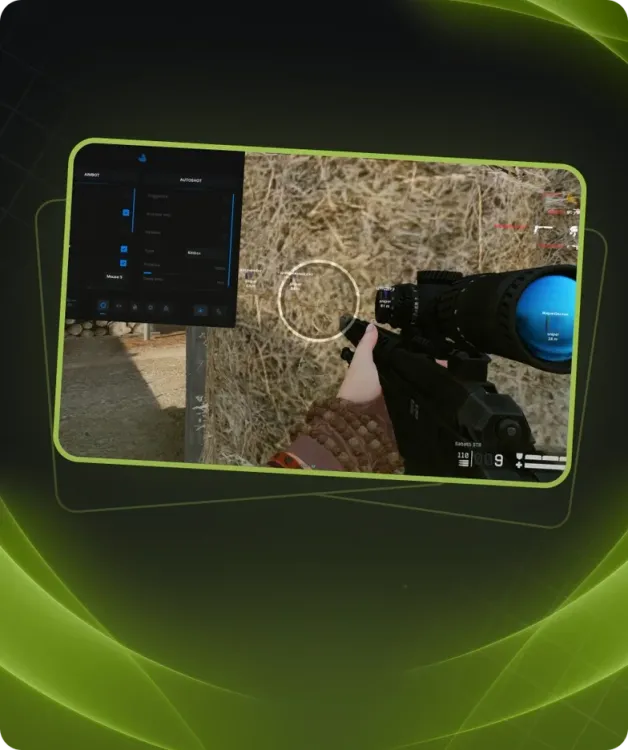
  • Enabled – Activate Aimbot
  • Aim key – Set the activation key (must be held down)
  • Aim FOV – Adjust the Aimbot trigger radius
  • Auto switch – Automatically switch to the next target within range

VISUALISATION (ESP)

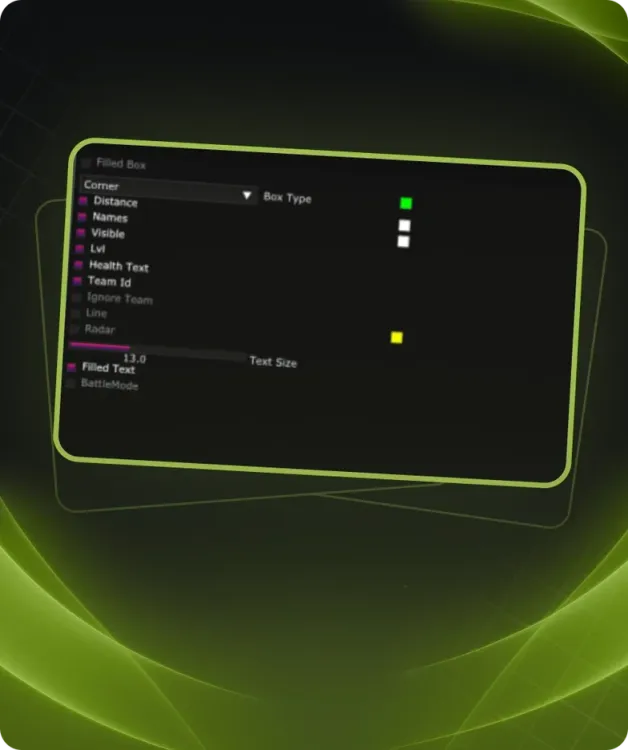
  • Enabled – Activate ESP
  • Bounding box – Display 2D boxes around enemies
  • Show health – Display enemy health
  • Show name – Display enemy class name
  • Show weapon – Display enemy weapon
  • Show distance – Show the distance to enemies
  • Show grenades – Display grenades
  • Show claymores – Display mines
  • Show snapline – Display tracking lines to enemies
  • Ignore team – Ignore teammates
  • Render distance – Set the maximum enemy display distance

GRAPHICAL USER INTERFACE

  • Save CPU – Optimize CPU usage
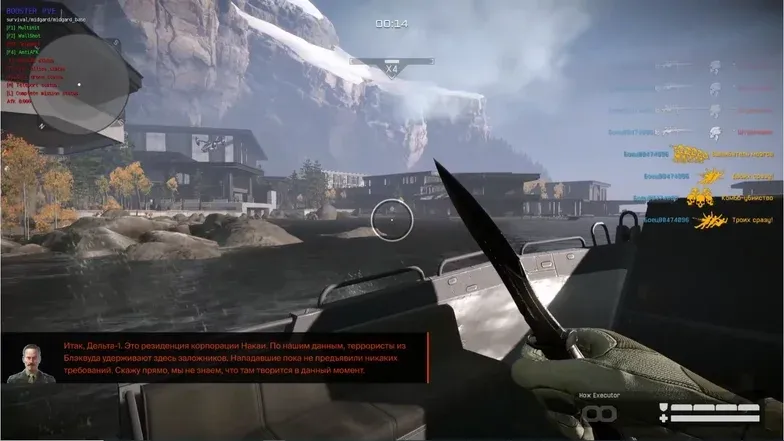
  • Show crosshair – Display a crosshair at the center of the screen
  • Show aim radius – Show the Aimbot trigger radius
  • Enable radar – Activate radar
  • Radar size – Adjust radar size
  • Radar radius – Set radar detection range

Requirements

Additional requierements:
GPT DISK , UEFI BIOS , Virtualization enabled , Disabled Secure Boot
Included spoofer:
No
Anticheat:
MRAC
Stream Bypass:
Yes
Supported game modes:
Borderless
Supported CPU:
Intel и AMD
Supported OC:
10&11x64, version (2004 / 20H2 / 21H1 / 21H2 / 22H2 / 23H2)